Playground
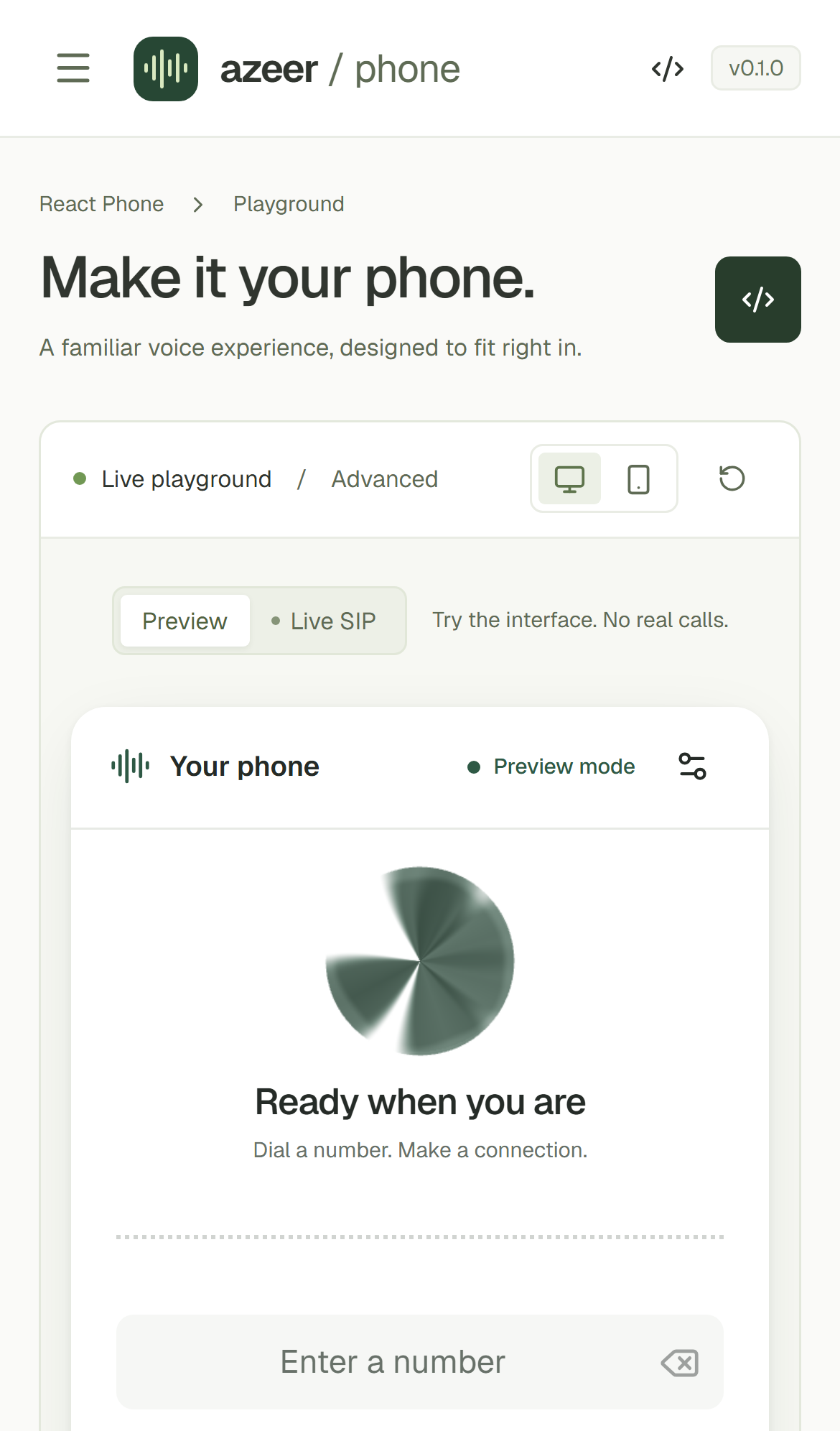
Open the hosted playground to try every preset, visual, tone, and incoming-call behavior.
Run locally
Section titled “Run locally”Requires Node.js 22.12+ or 24+ and a current WebRTC-capable browser.
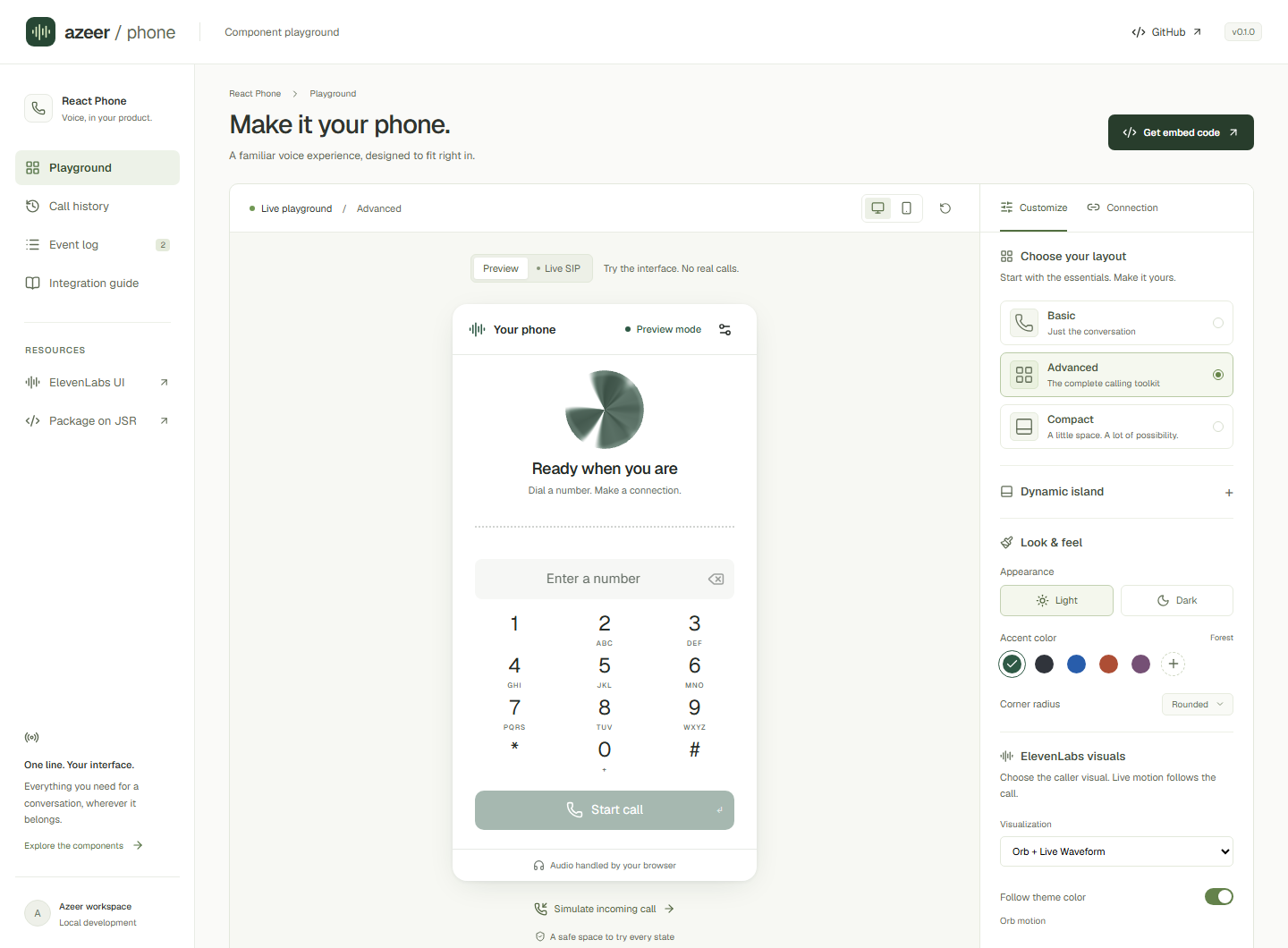
npm installnpm run devOpen http://127.0.0.1:5173. The playground starts in Preview mode: simulated calls, no SIP traffic, no microphone capture. Try dialing an extension or Simulate incoming call, then switch layouts, colors, and caller details. Get embed code produces your current component configuration without account credentials.
Connect your SIP account
Section titled “Connect your SIP account”- Switch to Live SIP and open Connection. All account fields start empty.
- Enter your SIP username and password.
- Open Server & network settings and enter the SIP address and secure WebSocket URL supplied by your provider. Add STUN/TURN settings if your deployment requires them.
- Select Connect account, then dial a reachable destination or call your registered extension from another phone.
The SIP address is your address of record; username is your digest authentication identity. Example-domain placeholders are guidance only and are never submitted as account values. No live account or server is bundled with the playground.
Credentials remain in memory for the active connection; successful registration clears the form’s password field. The app never writes credentials or call history to local/session storage. Disconnecting or unmounting clears the client’s credentials and media. Reloading resets the session. Your browser’s own password manager is controlled by you.
Explore the island
Section titled “Explore the island”Open Dynamic island, enable Use dynamic island, and choose the window or preview container. Change the position and incoming-call presentation, then select Simulate incoming call. Get embed code includes the corresponding WebPhoneIsland options. For container scope, place the generated component inside a parent with position: relative and an explicit height.
Mobile
Section titled “Mobile”