Dynamic island
SipPhoneIsland keeps registration status visible in a small capsule above your app. During a call it shows the caller, a live timer, and voice bars. Tap or swipe to expand into the full phone sheet. Collapsing never ends a call or loses the dial input.
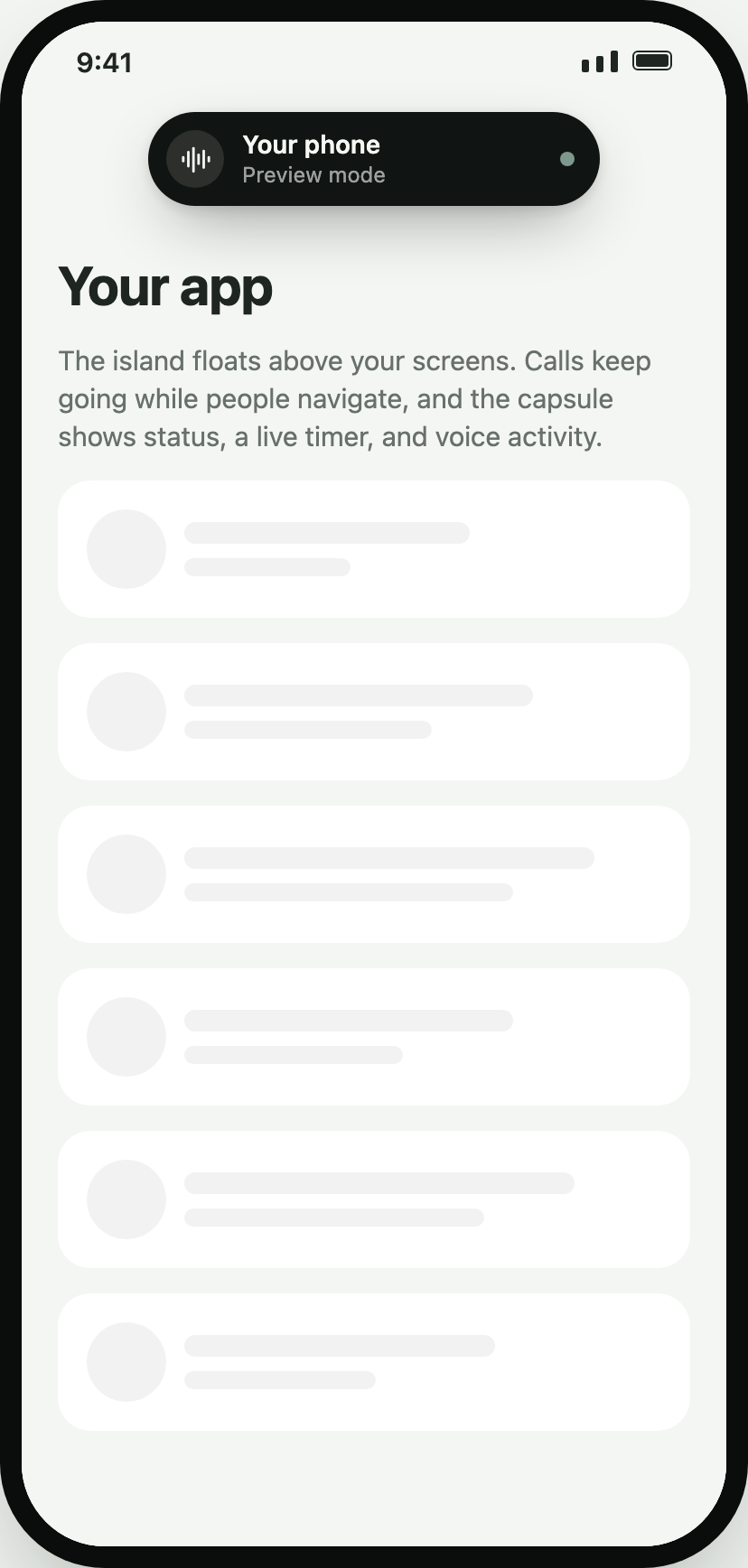
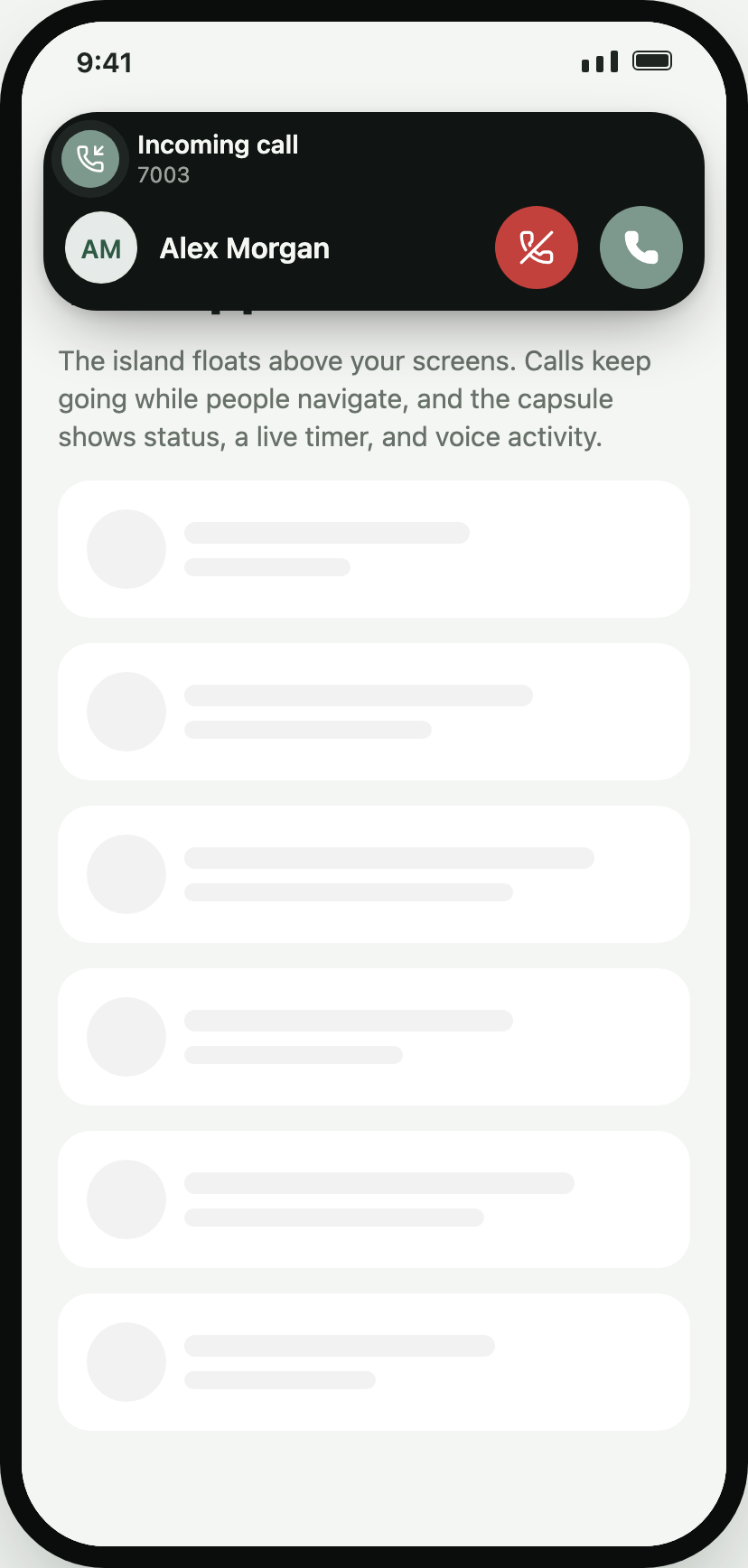
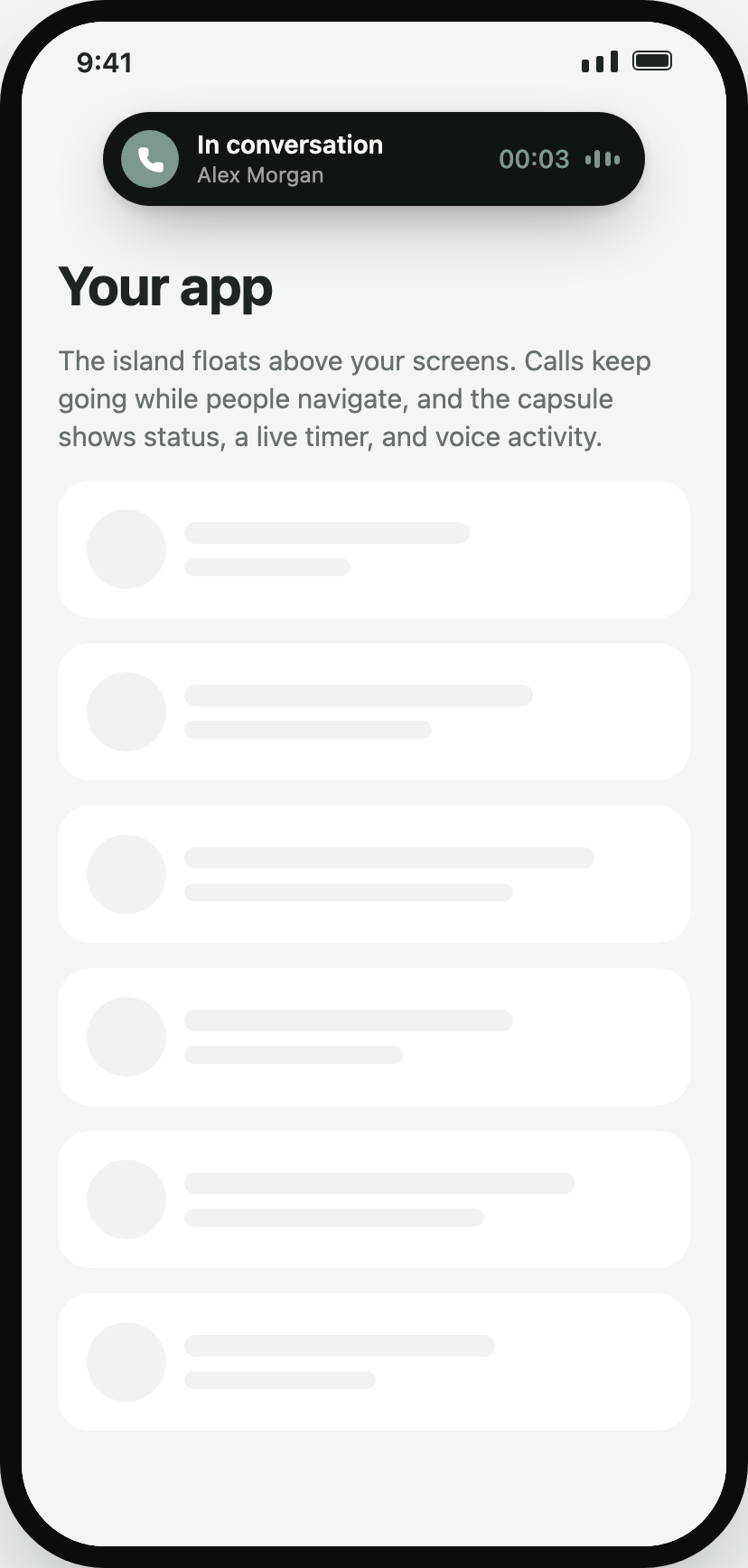
Float over every screen
Section titled “Float over every screen”Render it last in your root view so it draws above navigation:
import { SipPhoneIsland } from "@azeer-ui-widget/react-native-phone";import { useSafeAreaInsets } from "react-native-safe-area-context";
export function Root() {  const insets = useSafeAreaInsets();  return (    <View style={{ flex: 1 }}>      <AppNavigator />      <SipPhoneIsland config={config} autoConnect insets={insets} incomingBehavior="notify" />    </View>  );}
The overlay passes touches through everywhere except the capsule. To share one line between the island and a phone tab, mount one PhoneProvider and render PhoneIsland and PhoneWidget inside it.
Options
Section titled “Options”| Prop | Default | Notes |
|---|---|---|
placement |
top-center |
top/bottom × left/center/right |
scope |
window |
window adds safe-area insets; container docks inside its parent |
offset |
12 |
Points from the docking edge, or { x, y } |
incomingBehavior |
expand |
expand, notify (heads-up banner), or manual (capsule pulses) |
tone |
contrast |
Dark capsule like the system island, or surface to follow the theme |
backdrop |
true |
Dims the app while expanded; tapping it collapses |
expandedWidth |
420 |
Maximum expanded width; always fits the container |
expandOnOutgoing |
true |
Open the sheet for outgoing calls |
collapseAfterCall, collapseDelayMs |
true, 1400 |
Errors stay visible instead of collapsing |
announceIncoming |
true |
VoiceOver/TalkBack announcement for incoming calls |
expanded, onExpandedChange |
– | Controlled mode; reasons: user, incoming, outgoing, answered, ended |
All phone surface props (preset, visualization, theme, answerStyle, …) apply to the expanded sheet.
Gestures and accessibility
Section titled “Gestures and accessibility”| Action | Collapsed | Expanded |
|---|---|---|
| Tap the capsule | Expand | Collapse |
| Swipe toward the content | Expand | – |
| Swipe toward the edge | – | Collapse |
| Tap outside | – | Collapse (with backdrop) |
| Android Back | – | Collapse (consumed) |
| iOS two-finger scrub (Z) | – | Collapse (onAccessibilityEscape) |
The capsule is a single button with an expanded/collapsed state and a hint describing the call. Incoming calls never move focus; they are announced instead. Reduce Motion disables the morph and pulses.